In an age where digital workflows reign supreme, it’s easy to forget that office printers still play a key role in day-to-day business operations. From contracts and invoices to presentation materials and handouts, having a reliable office printer isn’t a luxury, but a necessity.
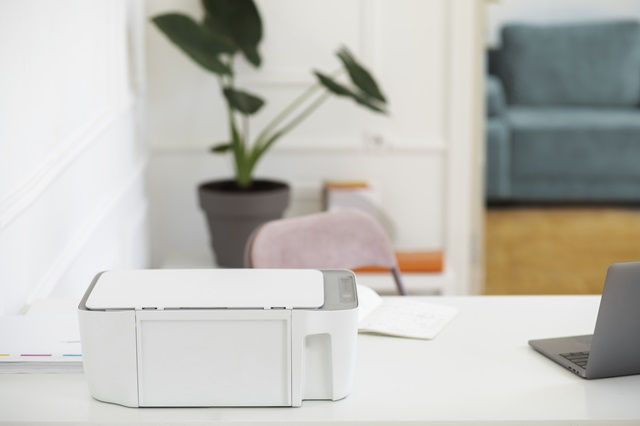
But choosing the right one? That’s where things get tricky. With dozens of models boasting hundreds of features, choosing one can feel overwhelming. Do you need speed or quality? Inkjet or laser? Multifunctional magic or simple plug-and-play?
What Are Your Office Printing Needs?
The best place to start? With your own workspace. Every office prints differently, and your needs should shape your selection.
Assess Your Requirements
- Print Volume & Frequency
How often do you print, and how many pages at a time? A small team printing a few pages a week will have very different needs from a bustling office producing hundreds of documents daily. - Document Type
Is your printing primarily text-based, or do you need high-quality images and colour printing? Knowing what you print most often will help you choose a printer optimised for the task. - Multifunctional Needs
Do you need more than just printing? Many businesses require scanning, photocopying, and faxing capabilities. If so, an all-in-one printer might be the ideal solution.
Taking time to map out these requirements will significantly narrow your options and ensure you’re investing in a machine that works for, not against, your team.
Types of Printers
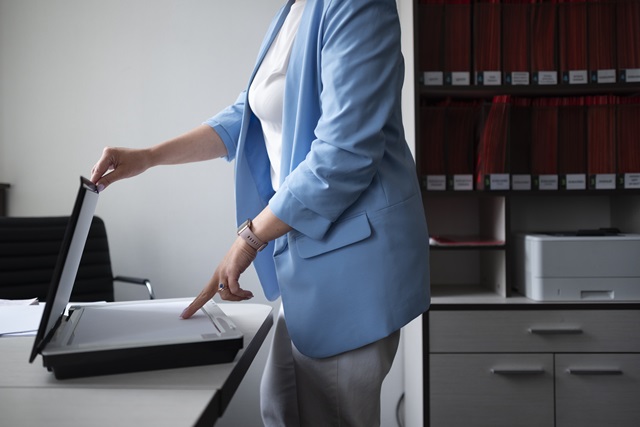
Once you’ve nailed down your office’s printing habits, the next step is understanding your options. There are a variety of printers for office use, and each type has its strengths, weaknesses, and ideal use cases.
Inkjet Printers
These are often the go-to for smaller offices that value high-quality colour prints. Inkjet printers excel at reproducing images and detailed graphics, making them ideal for marketing teams, designers, or anyone with a creative edge. However, their slower speeds and higher per-page cost mean they’re not great for bulk printing.
Laser Printers
Fast, efficient, and ideal for high-volume printing, laser printers are workhorses. They’re best suited for offices that deal mainly with text documents. Black-and-white laser models are particularly economical, while colour versions offer a good balance between quality and speed for everyday business use.
Multifunction Printers (MFPs)
Why settle for one function when you can have four? Multifunction printers combine printing, scanning, copying, and faxing into a single device. They’re space-saving and cost-effective—especially for offices with varied documentation needs. These are ideal for administrative departments, legal teams, and anyone managing a heavy paper trail.
Wireless and Mobile Printers
With the rise of remote work and hot-desking, wireless and mobile printers have become more common. These printers connect to your devices via Wi-Fi or Bluetooth, allowing for convenient, cable-free printing from anywhere in the office. They’re perfect for dynamic work environments where flexibility is key.
Key Features to Consider
You’ve figured out your printing needs and chosen a general printer type—now it’s time to get into the finer details. These are the features that can make or break the printer experience for your team.
- Print speed: Measured in pages per minute (PPM), print speed matters more than you think. For busy offices, slow printers are productivity killers. If multiple people share a device, opt for a model with fast output and minimal warm-up time.
- Print quality (DPI): DPI stands for dots per inch, and the higher it is, the sharper your prints will be. Basic text documents don’t need much, but if you’re printing detailed visuals, brochures, or photos, go for higher DPI specs to maintain image clarity and colour accuracy.
- Connectivity options: Gone are the days of printers chained to one desktop. Look for options that include Wi-Fi, Ethernet, mobile printing, and cloud compatibility. These features make it easy for everyone in the office, whether they’re sitting next to the printer or working remotely, to connect and print with ease.
- Paper handling: Paper tray capacity, automatic duplex printing (double-sided), and multiple tray options are worth considering, especially if you’re printing large volumes or different paper sizes. Automatic document feeders are especially helpful for scanning or copying multi-page documents without babysitting the machine.
- Running costs: The upfront price is only part of the story. Long-term costs, like ink or toner replacements, energy usage, and maintenance, can quickly add up. Calculate the cost per page and look for models with high-yield cartridges or subscription refills to save money over time.
- Security features: If your office deals with sensitive data, like client records, contracts, or proprietary information, printer security matters. Business-grade office printers often come with password protection, encrypted printing, and user authentication features to keep your data safe.
Conclusion
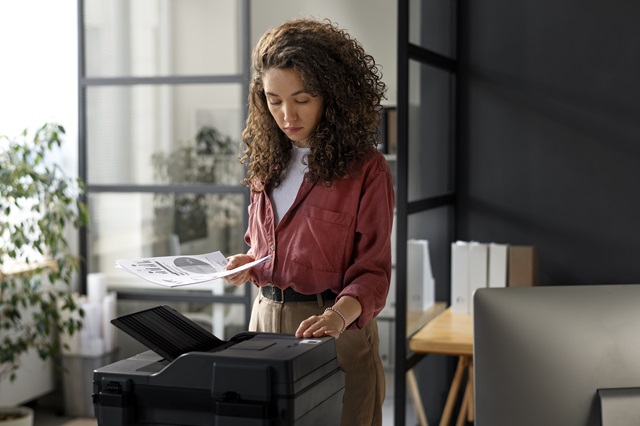
Choosing the right printers for office use isn’t just about picking the one with the biggest discount or flashiest touchscreen. It’s about aligning the printer’s capabilities with your business’s real-world needs.
By taking a long-term view and choosing thoughtfully, you’ll end up with an office printer that supports your team, streamlines your workflow, and gives you one less thing to worry about.